Eco Game
Interactive Ecosystem Simulation
Tech Stack
Overview
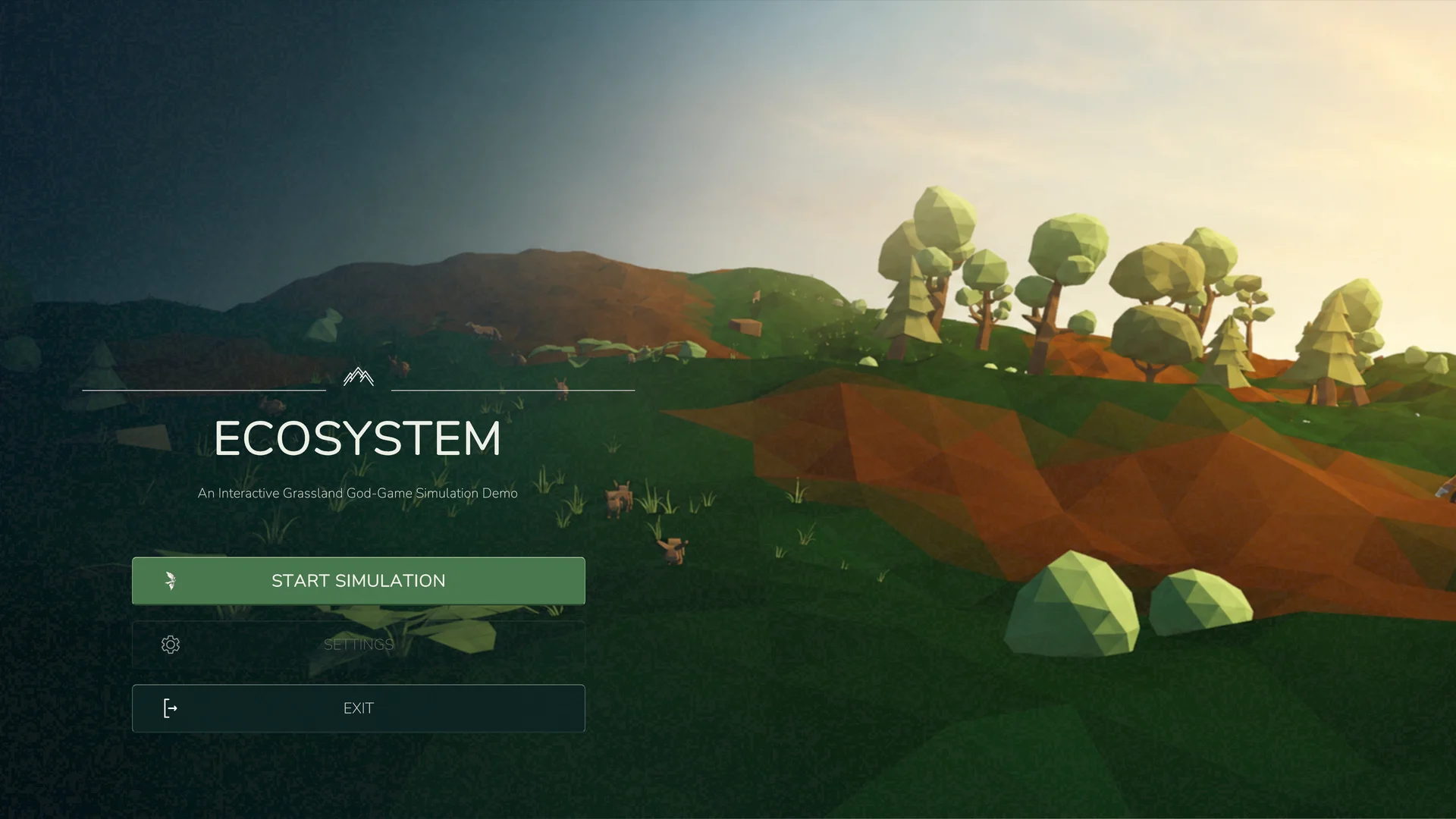
Eco Game Demo is a 3D ecosystem sandbox simulation developed in Unity as part of a school team project. Players can create and explore procedurally generated environments, observe autonomous wildlife, and influence the ecosystem by placing or removing animals, vegetation, and other objects.
The simulation provides an open-ended experience without predefined objectives, allowing players to experiment with different environmental conditions, observe animal behaviour, and explore how their actions affect the ecosystem.
My Role
I was responsible for developing the complete playable demo, including its gameplay systems, user interfaces, player interactions, camera controls, simulation management, and overall user experience.
I also integrated the GOAP framework and procedural terrain generator, which were developed by other team members, into the simulation.
My work involved connecting these systems into a cohesive experience, from configuring and initializing a world to interacting with animals and monitoring the ecosystem during gameplay.
World Setup & Simulation
Players begin by configuring the starting conditions of their ecosystem. The setup interface offers several presets, ranging from an empty environment to balanced or predator-heavy ecosystems.
Additional settings allow players to customize terrain size, generation seed, and population density.
When a simulation starts, the game coordinates world generation, prepares navigation, and populates the environment with vegetation, environmental objects, and wildlife.
The simulation supports different animal species with autonomous behaviours and lifecycle systems. As the world evolves, players can observe the population and modify the environment to experiment with different ecosystem conditions.
The game also provides simulation controls for pausing, adjusting time speed, and restarting or returning to the setup screen.
Gameplay & User Interaction
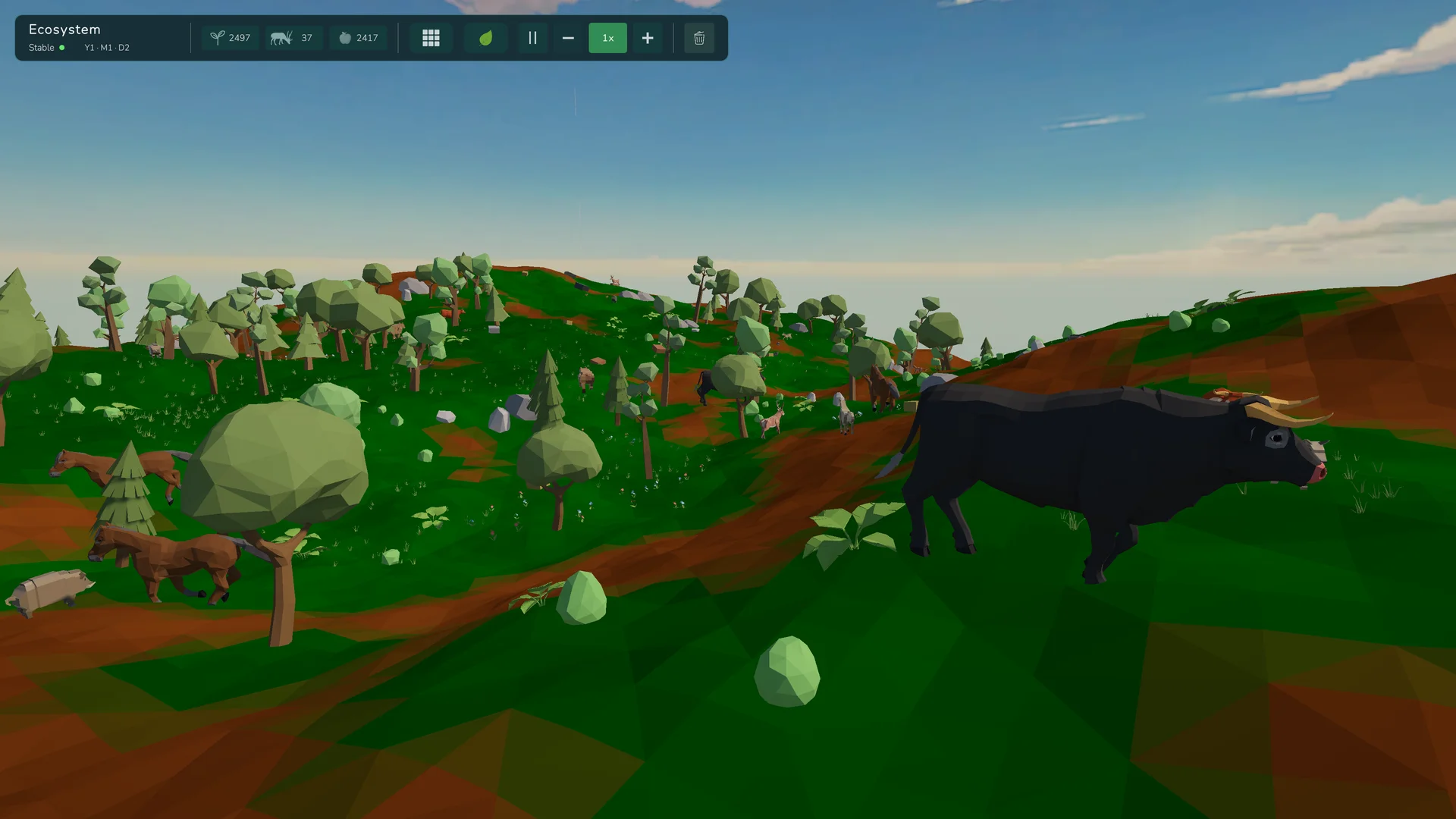
The gameplay is built around giving players control over their environment while allowing them to observe the ecosystem from a god-view perspective.
I developed the gameplay interaction systems and user interfaces that connect the player to the simulation.
Camera & Navigation
The camera system allows players to freely explore the environment through movement, panning, zooming, and rotation.
Players can also follow individual animals, allowing them to observe movement and behaviour without manually controlling the camera.
Object Placement
I implemented an object placement system that allows players to add animals, plants, and food sources directly into the simulation.
The placement interface provides categorized objects, search functionality, placement previews, rotation controls, and placement validation.
Animal Inspection
Players can select animals to inspect their current state and behaviour.
I developed the inspection interface, which displays information including species, life stage, current goal, health, energy, and other relevant statistics.
Selected animals can also be followed or removed directly through the interface.
Ecosystem Monitoring
The gameplay interface displays population counts, ecosystem status, and simulation information.
Players can monitor changes in the environment, pause the simulation, adjust its speed, and interact with individual entities or the wider ecosystem.
Technical Implementation
I developed the demo in Unity using C#, building the gameplay and presentation systems required to turn the ecosystem simulation into an interactive experience.
Game Architecture
The demo coordinates several runtime systems, including world initialization, navigation setup, environment population, object management, and simulation state.
I implemented the demo-side integration and orchestration needed to connect these components and manage their interaction during gameplay.
User Interface
I designed and implemented all user interfaces across the demo.
The main menu and ecosystem setup screens use Unity UI Toolkit, with UXML for layouts and USS for styling.
The gameplay interface uses Unity's UGUI system, with separate components responsible for displaying simulation data, handling player interactions, and updating interface elements.
This includes the object placement panel, animal inspection interface, ecosystem monitoring displays, and simulation controls.
Runtime Systems
The game uses configurable ScriptableObjects for world presets, population settings, and simulation parameters.
Runtime registries and services manage placed objects, track populations, and provide information to the user interface.
The demo also handles camera interactions, object selection, placement validation, and simulation-time controls, bringing these features together into a unified gameplay experience.